Track every session.
Streaks, mastery percentages, visual charts and a weak-topics filter — a complete picture of your German learning, updated in real time.
 Track your German progress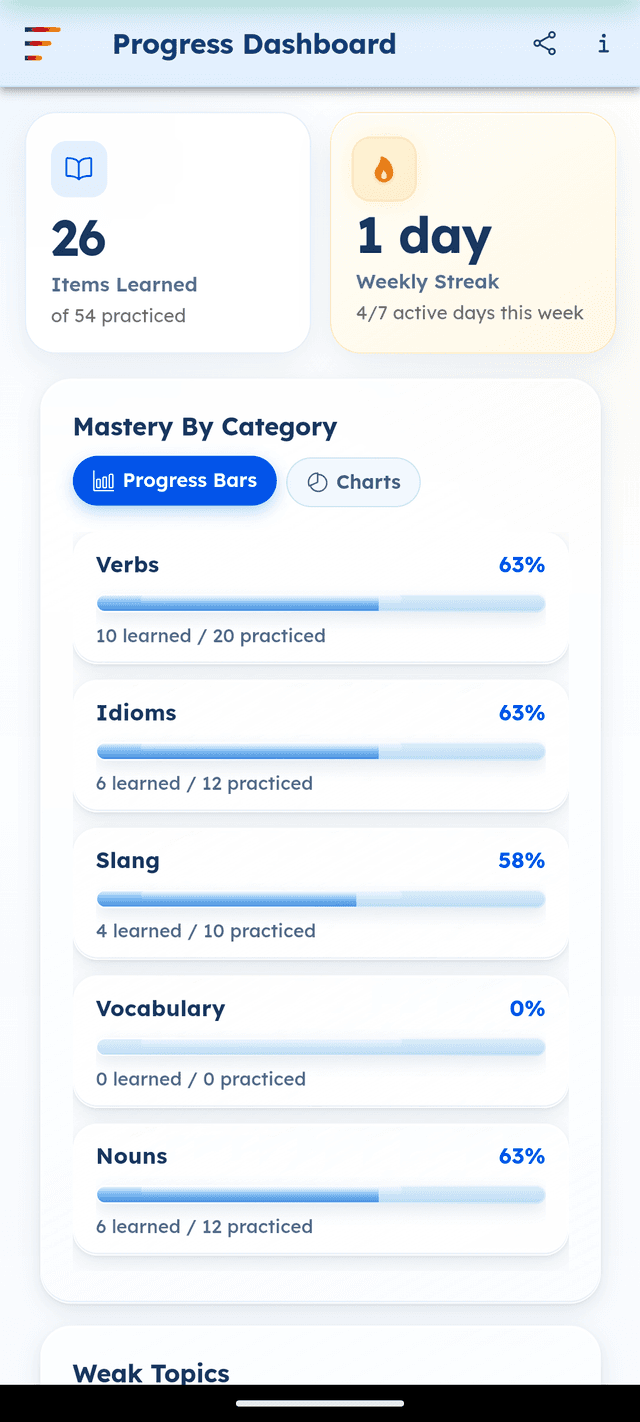
Progress tracking turns vague studying into measurable improvement. Without data, it's easy to spend time on what feels comfortable rather than what actually needs work. GermanVault's Progress Dashboard gives you an honest, data-driven view of where you stand — and surfaces exactly the areas where more practice will have the most impact.
Items learned and weekly streak
The top of the dashboard shows two key metrics: total items learned and practiced, and your weekly streak — how many days out of the last 7 you've been active. The streak counter has a flame icon that increases in intensity as your streak grows. Consistency is the single most important factor in language acquisition, and the streak gives you a simple, visible measure of it.
Mastery by category
For each content category — Verbs, Idioms, Slang, Vocabulary, and Nouns — the dashboard shows a mastery percentage with a progress bar. Mastery is calculated from how many items in each category you've viewed and how recently you've reviewed them. A category at 100% means you've seen everything in it; a category at 0% means you haven't started it yet.
Progress Bars and Charts views
The dashboard has two visualisation modes. Progress Bars gives a compact, at-a-glance view with percentage rows for each category. Charts gives a visual summary — useful for seeing the relative balance of your learning across categories at a glance. Both views update in real time as you use the app.
Weak topics filter
The Weak Topics section at the bottom of the dashboard is the most actionable part of progress tracking. It lists the specific items — verbs, idioms, slang terms — where your mastery score is lowest. These are exactly the things you're at risk of forgetting. Tapping any item opens it directly so you can review it immediately.
Share your progress
The share button in the top bar generates a shareable summary of your current progress — useful for accountability with a study partner, tutor, or language exchange partner.
Screenshots
See it in action
Mastery by category
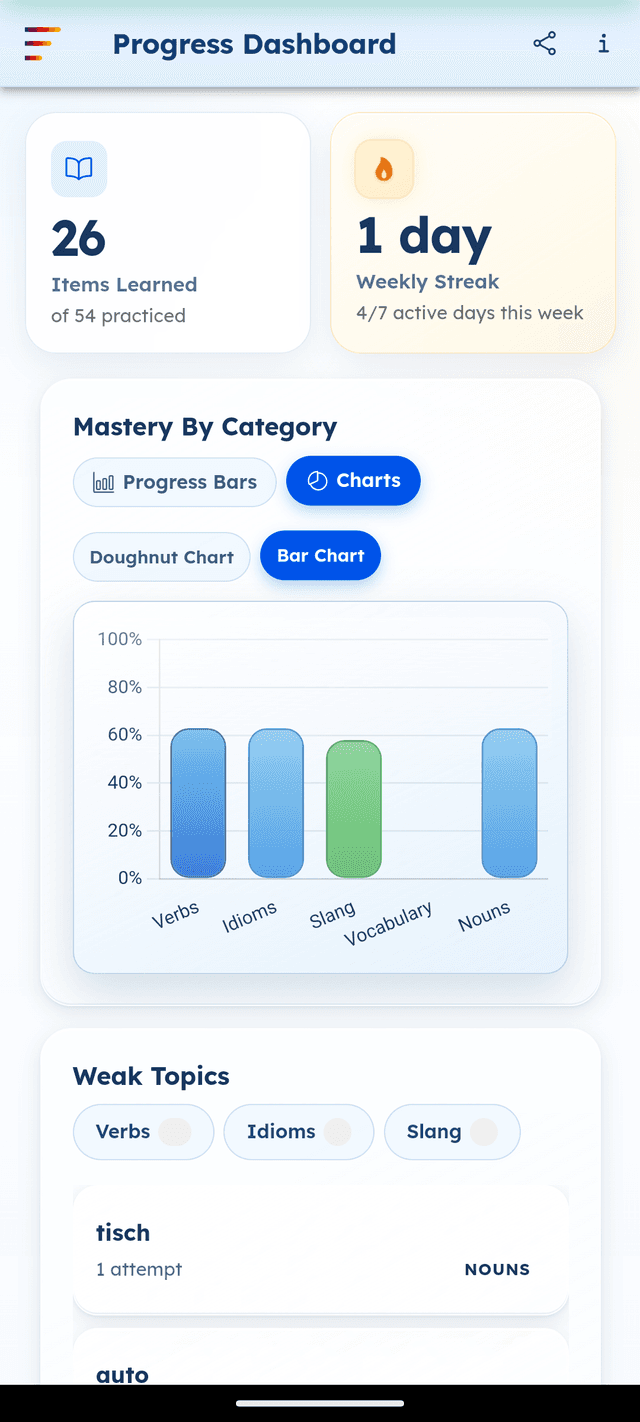
Bar chart view
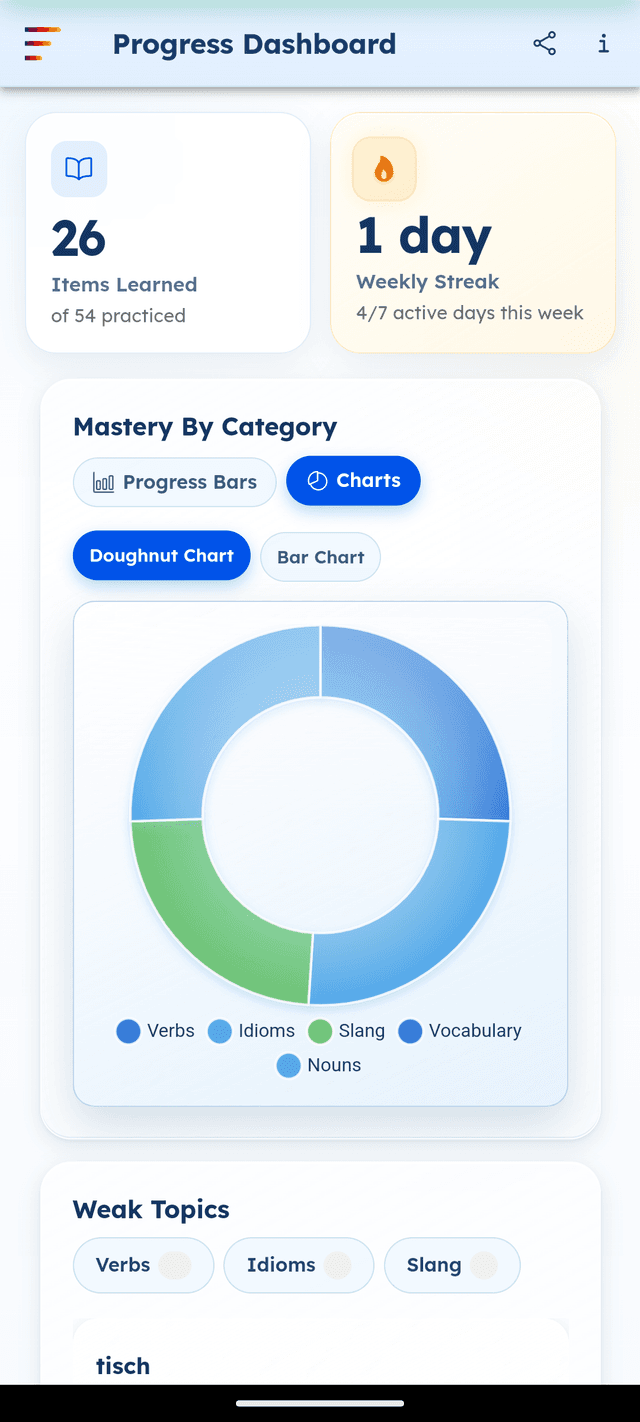
Doughnut chart view
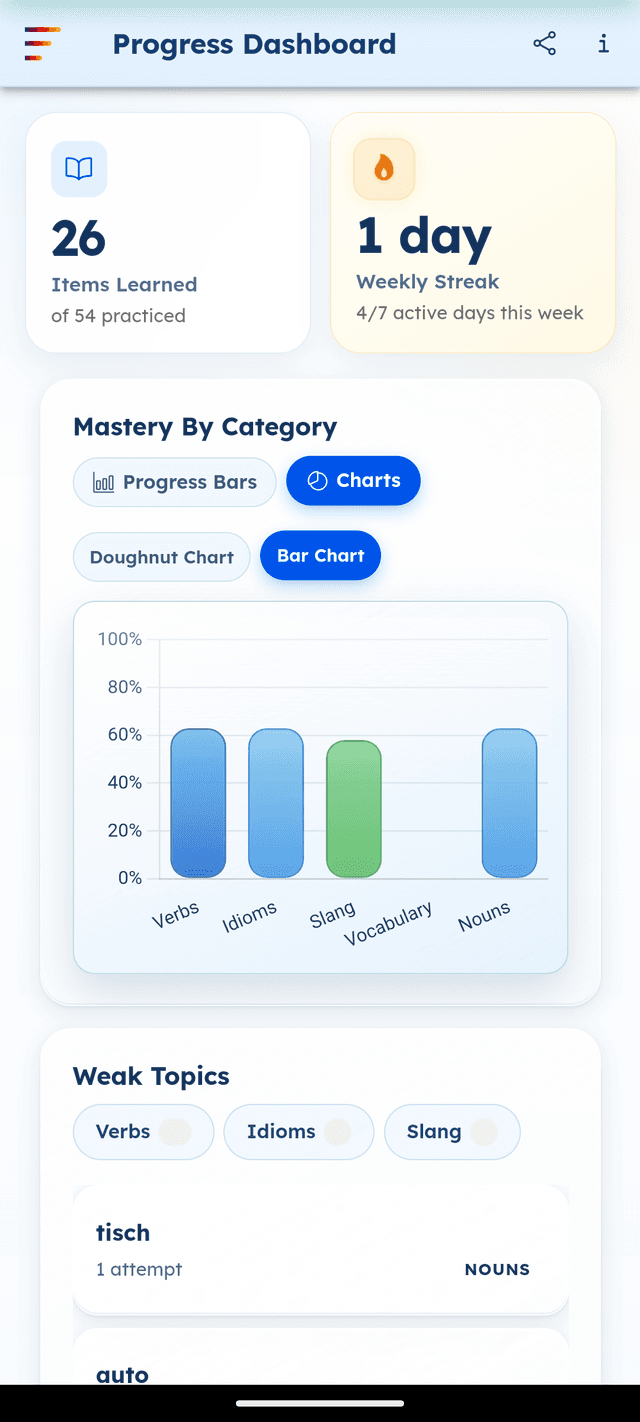
Weak topics to review
Frequently asked questions
How is mastery calculated in GermanVault?
Mastery is calculated from how many items in a category you've viewed and interacted with, weighted by recency. Items you've seen recently and frequently score higher mastery than items you haven't revisited.
What does the weekly streak measure?
The weekly streak counts how many of the last 7 days you've been active in GermanVault — browsing content, taking quizzes, or completing a daily review all count.
What is the Weak Topics section?
Weak Topics lists the specific verbs, idioms or slang terms where your mastery score is lowest — the items you're most at risk of forgetting and most likely to benefit from immediate review.
Is the progress dashboard free?
A basic progress view is available free. The full progress dashboard with charts and all categories is unlocked with Premium.
Can I share my progress with someone?
Yes. Tap the share icon in the Progress Dashboard header to generate a shareable progress summary.
Ready to master German?
Download GermanVault free on Android. No account required.
